Free Online GLB/glTF 3D Model Viewer
GLB Viewer is a free online 3D model viewer. View, collaborate, and share GLB, glTF, and other 3D files anywhere on the web.
Your models are processed locally in your browser. Files are never uploaded to our servers unless you choose to share.
Drag & drop 3D model files here to quickly preview
or click to browse
Supported formats: .GLB, .GLTF, .FBX, .OBJ, and .STL







Tired of clunky online workflows?
Interactive model viewer in your browser

Get a sharing link to your 3D file in one click.

Let anyone preview your model in AR using just a QR code.

Drop interactive model files into any website

Control visibility and comment directly on the model.
Instantly see polygon count, file size, textures, materials, and animations. Validate your 3D files before sharing.

Customize branding and environments when sharing 3D models.
View any 3D file format out of the box
How to Upload and Share 3D Models
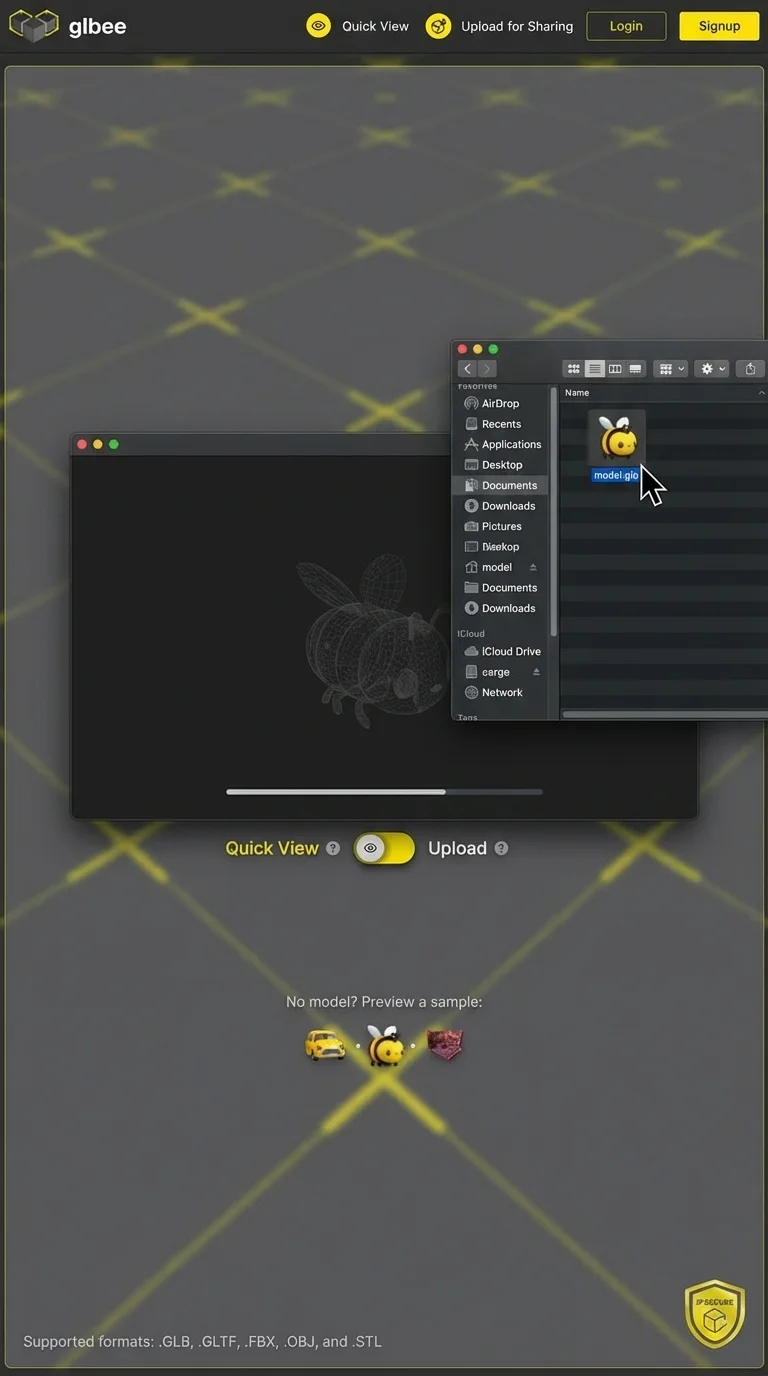
Drag and drop GLB, gLTF, FBX, OBJ or STL files.
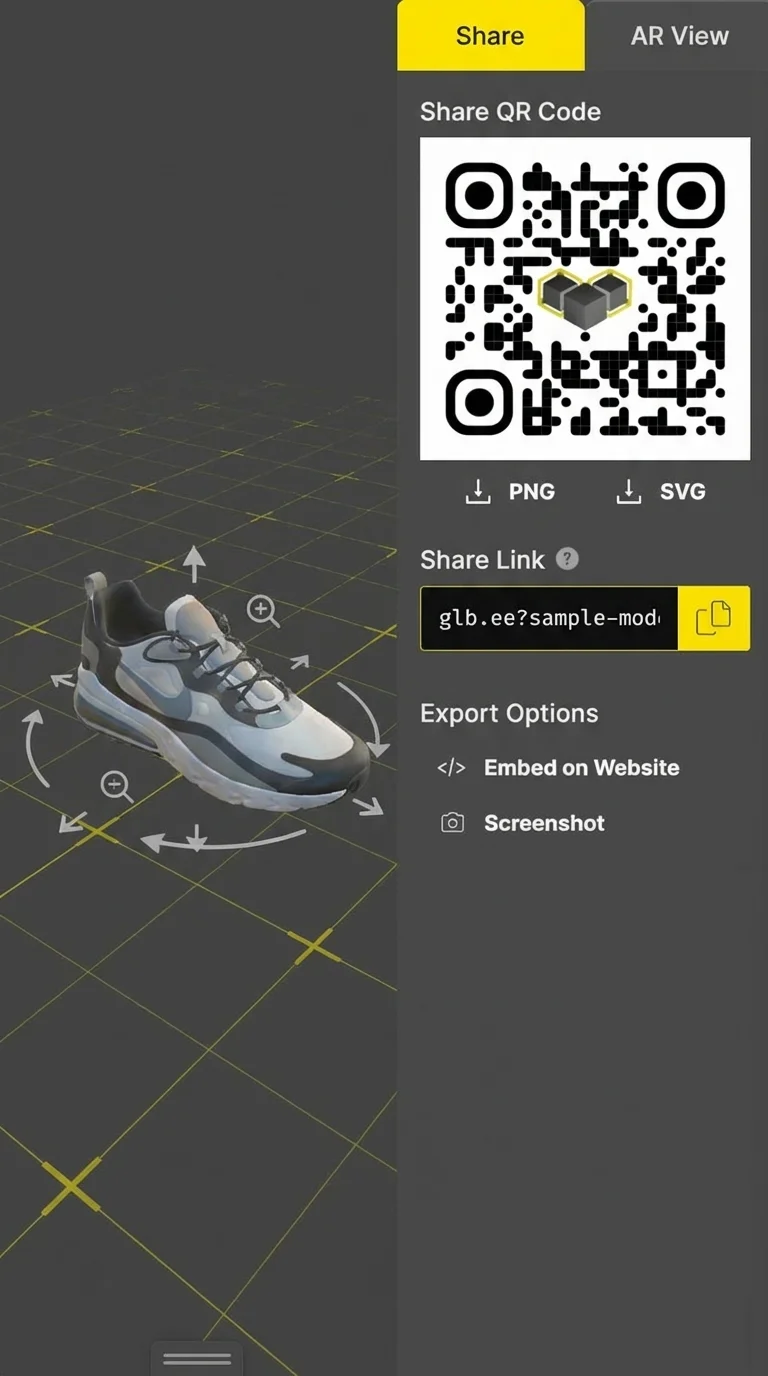
Copy your model link, scan a QR code, or embed it onto your site.
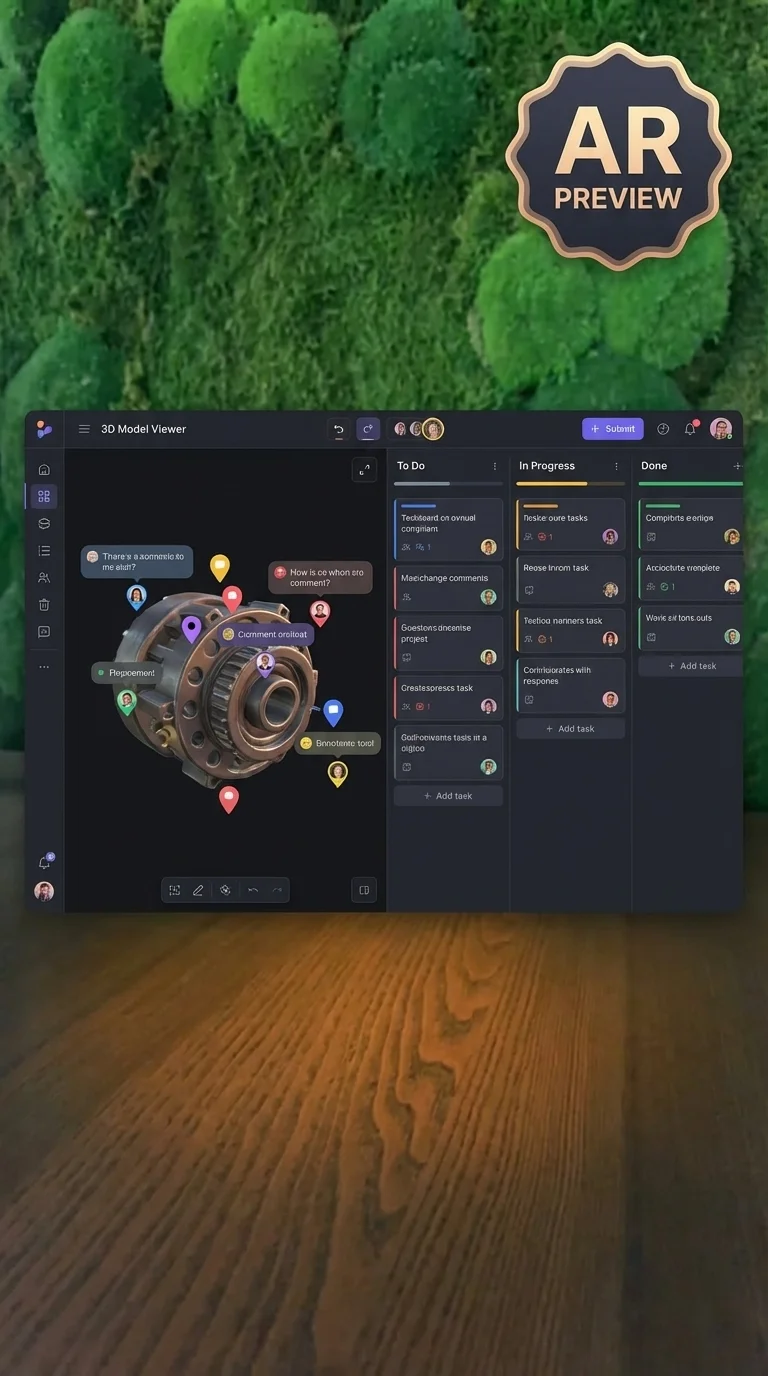
Invite feedback, view in AR, and organize everything in a Kanban board.
A Simpler Way to Share 3D Models
The future is three-dimensional, but sharing it shouldn't feel like 1999. GLB Viewer is a free online 3D model viewer built to remove the technical roadblocks. No installs. No massive files. View 3D models online with no fuss. Just a clean, intuitive platform to view, collaborate, and deliver 3D content at any stage, whether you're building for the web, AR, games, or clients.
Get Started - It's FreeView, Share, and Embed Your Models
Scan this QR code with your phone to see the 3D model placed in your real-world environment. No app required.
Embed Models Anywhere on the Web
Paste this into any website, blog, or e-commerce page.
<iframe src="https://glbviewer.com/embed/your-model-id"
  width="600" height="400" frameborder="0">
</iframe>
Sharing, Viewing & Embedding Your Files
GLB Viewer is a free online 3D model viewer that lets you upload, view, and share 3D files instantly without software or setup. It's perfect for creators, teams, and brands who want a simple way to showcase 3D files online.
Just drag and drop your 3D file into GLB Viewer. Supported formats include GLB, gLTF, FBX, OBJ, and STL. Once your file is uploaded, it opens automatically and is ready to view, share, or embed.
Yes. Sharing is simple. You can share files via link, QR code or embedding your model anywhere on the web. No technical knowledge or special software is required.
Yes, there's a built-in AR viewer. Just tap "AR View" or scan the QR code to see your model placed in real space on a phone or tablet.
Yes. The full-featured free plan lets you upload and view files instantly. Paid plans unlock extra features like larger file sizes, branding, and more sharing control.
Once your 3D file is uploaded, just click "Share" and select the embed option. Copy the embed code and paste it into your site's HTML or CMS. It's responsive, fast-loading, and works across all major browsers.
Join thousands using the free online GLB viewer
Get Started - It's Free